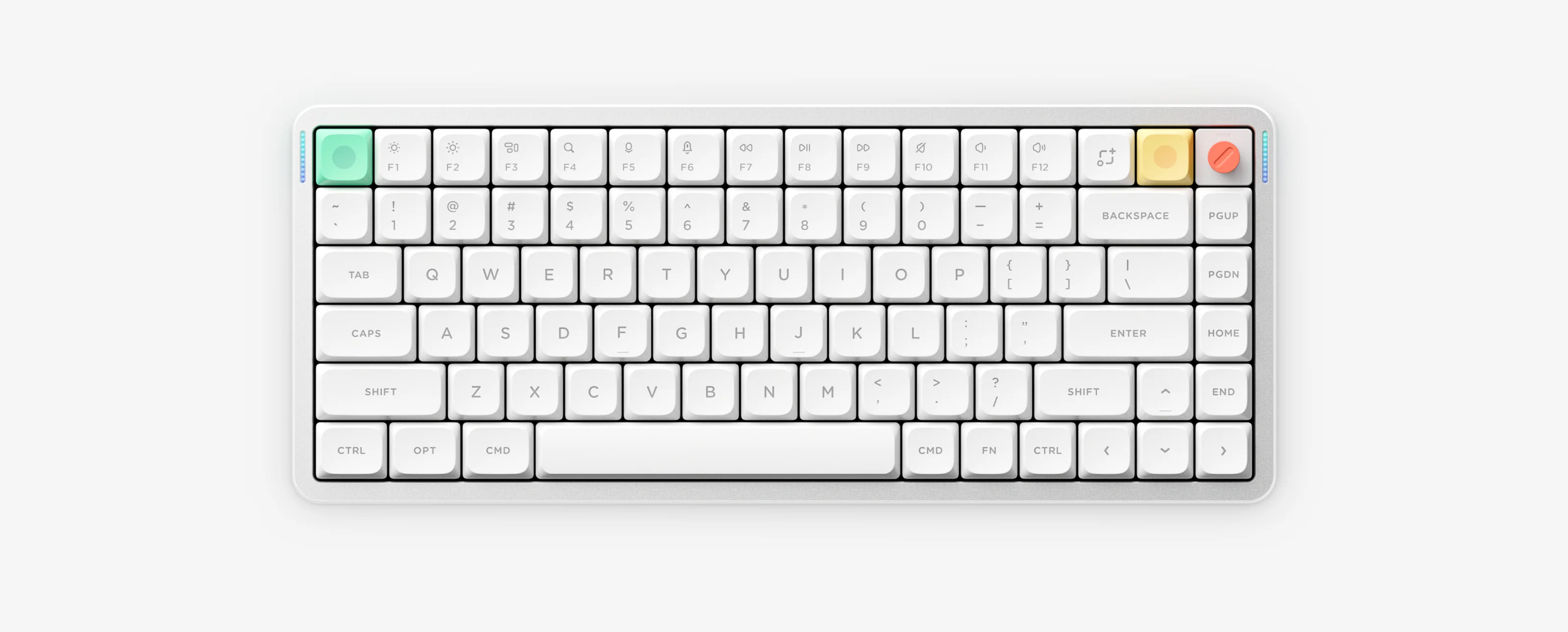
Quick Answer: Wireless Channel Shortcuts by Model
Set the hardware switch to Wireless, then press briefly to switch slots or hold ~3 seconds until the left LED flashes quickly to pair. Most tri-mode NuPhy keyboards use FN + 1/2/3 (Bluetooth) and FN + 4 (2.4G), while Air60 V2 uses FN + Q/W/E (Bluetooth) and FN + R (2.4G). Air60 HE and Air75 HE are wired-only.
1. Check your model’s wireless channel keys
| Model Group | Bluetooth 1 / 2 / 3 | 2.4G Wireless | Status Indicator |
|---|---|---|---|
| Air75 V2, Air75 V3, Air96 V2, Air100 V3, Kick75, Halo75 V2, Halo96 V2 | FN + 1 / 2 / 3 | FN + 4 | Left bar: Blue = BT, Green = 2.4G (fast flash = pairing) |
| Node75 (LP/HP), Node100 (LP/HP) | FN + 1 / 2 / 3 | FN + 4 | Upper-left Dot Matrix (group ④ shows 2.4G on Node75) |
| Air60 V2 (60%) | FN + Q / W / E | FN + R | Left bar: Blue = BT, Green = 2.4G |
| Air60 HE, Air75 HE | None (wired-only) | None (wired-only) | USB-C wired connection only |
2. Pair Bluetooth cleanly (1–3 devices)
- Slide the keyboard connection toggle to Wireless (not Wired or Off).
- Short-press FN + 1, 2 or 3 (Air60 V2: FN + Q, W or E) to pick a slot, then hold the combo for about 3 seconds until the indicator flashes quickly in blue.
- Open Bluetooth settings on your PC, Mac, tablet or phone and select the NuPhy keyboard entry.
- If re-pairing after a reset or failed link, remove/forget the old NuPhy Bluetooth record on your host device first before holding the channel key again.
3. Fix 2.4GHz receiver lag, drops, or non-connection
- Press FN + 4 (Air60 V2: FN + R) before plugging the included 2.4G receiver into your computer.
- Keep the 2.4G dongle away from metal USB hubs, aluminum docks, USB 3.0 ports/drives and nearby 2.4GHz transmitters — use a USB 2.0 port or extension cable.
- If the dongle lost pairing, switch to channel 4 (or R), hold the key for ~3 seconds until the green LED flashes quickly, then plug the receiver in close to the keyboard.
Bluetooth & 2.4G Pairing Questions
Why does FN plus 1, 2 or 3 not pair Bluetooth on Air60 V2?
Air60 V2 uses FN plus Q, W and E for Bluetooth channels 1 to 3 and FN plus R for 2.4G wireless instead of the number row.
What should I do if my NuPhy keyboard is missing in Bluetooth settings?
Confirm the switch is on Wireless, hold the Bluetooth channel key until the indicator flashes fast rather than slow blinking, and delete any old paired entry on your computer or phone before scanning again.
How do I fix 2.4G wireless stuttering or dropouts?
Move the 2.4G receiver out of USB 3.0 ports and metal hubs into a USB 2.0 port or a short USB extension cable placed closer to the keyboard.
Can Air60 HE or Air75 HE connect via Bluetooth or 2.4G?
No. Both Air60 HE and Air75 HE are wired-only magnetic keyboards via USB-C and do not support wireless connections.