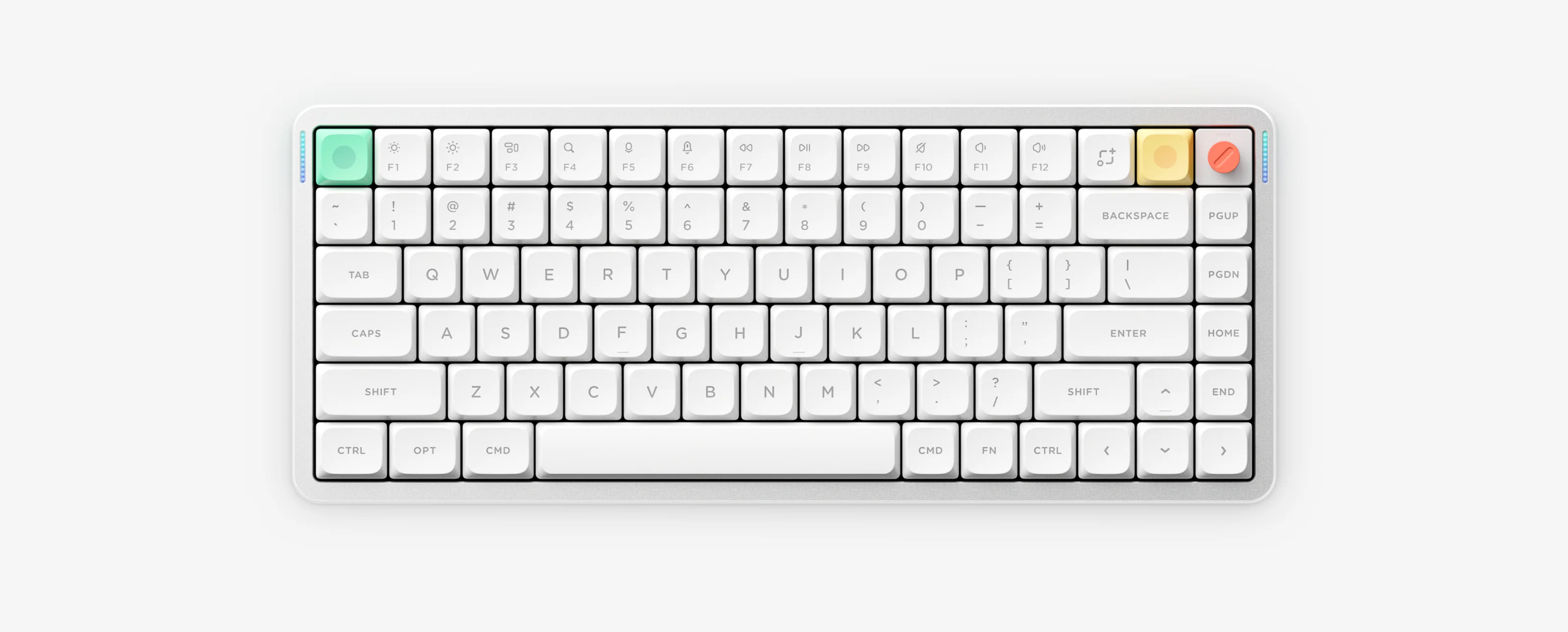
NuPhy Kick75 hybrid LP/HP guide: critical NuPhyIO (2500mAh) vs QMK/VIA (4000mAh) dual-edition warning, FN + Tab lights toggle, FN + Del Insert, FN + Home End, Tier B battery LEDs.
Kick75 is an 80-key 75% hybrid keyboard that supports both Low-Profile Nano and High-Profile Max switches via conversion kits, paired with a pressable rotary volume/mute knob and two separate firmware ecosystems (NuPhyIO or QMK/VIA).
Kick75 10-Second Cheat Sheet
Two editions
NuPhyIO (2500mAh) OR QMK/VIA (4000mAh) — do not mix
Hybrid profile
75% (80 keys + rotary knob), LP Nano or HP Max kit
Stop unwanted 6-minute sleep disconnects, find ANSI vs JIS/ISO factory reset shortcuts, and follow safe reset/Recovery rules.
Kick75 Frequently Asked Questions
Can I use VIA on Kick75 IO or NuPhyIO on Kick75 QMK/VIA?
No. Kick75 is manufactured in two separate editions: Kick75 IO works only with NuPhyIO, and Kick75 QMK/VIA works only with VIA and QMK firmware. Firmware and keymap files are not interchangeable.
How do I type Insert and End on Kick75?
Press FN plus Del for Insert and FN plus Home for End.
How do I turn off all lights on Kick75?
Press FN plus Tab to toggle all keyboard lighting on or off immediately, or enable 6-minute auto-sleep with FN plus the right bracket key.
What do the Kick75 battery LED colors mean?
Both Kick75 editions use four battery thresholds: Green for 81 to 100 percent, Yellow for 51 to 80 percent, Orange for 21 to 50 percent and Red for 0 to 20 percent.