NuPhyIO & VIA Setup
Find out if your keyboard uses NuPhyIO 2.0 or QMK/VIA, fix WebHID browser and USB-C errors, and protect dual-edition boards.
Task-by-task NuPhy troubleshooting guides: NuPhyIO 2.0 vs VIA WebHID setup, Bluetooth and 2.4G pairing, turning off RGB, battery LED decoding and factory reset safety.
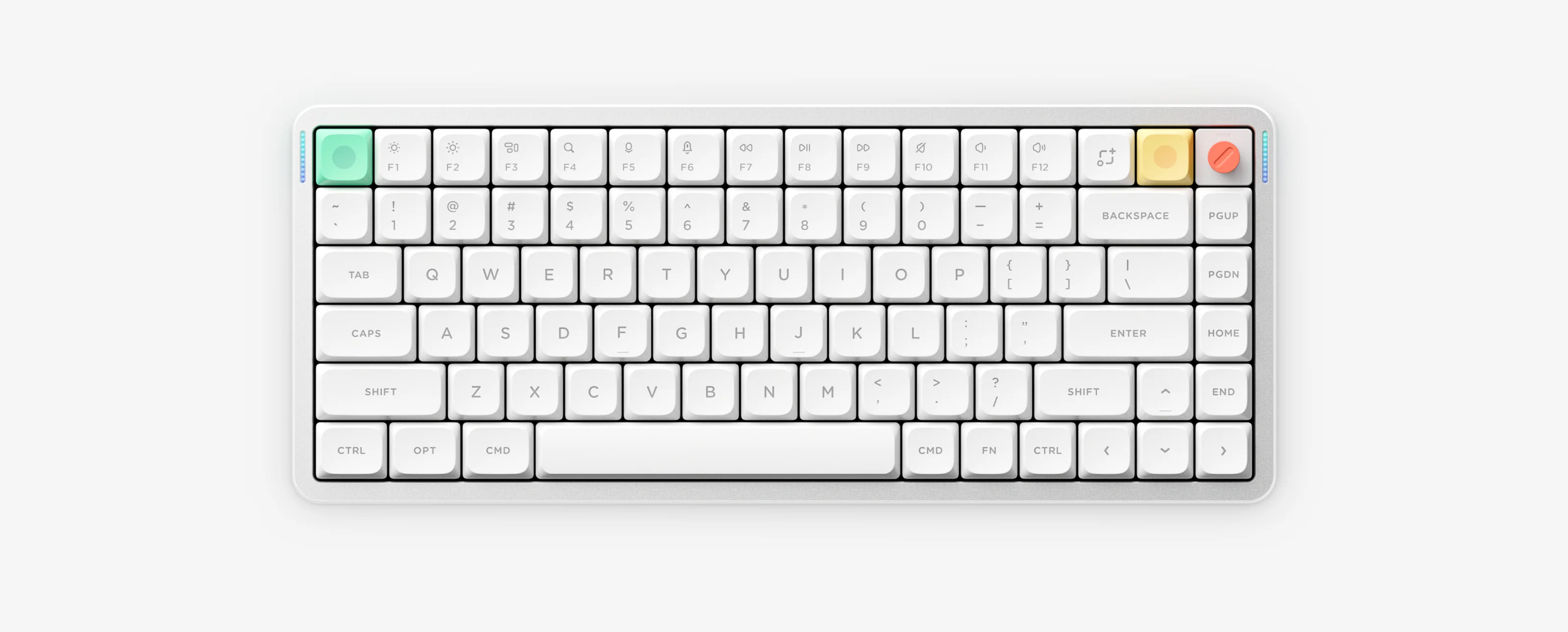
Follow step-by-step NuPhy setup and troubleshooting guides covering NuPhyIO 2.0 vs QMK/VIA WebHID, Bluetooth and 2.4G wireless pairing, turning off RGB lighting, decoding battery LED colors and factory reset safety.
Find out if your keyboard uses NuPhyIO 2.0 or QMK/VIA, fix WebHID browser and USB-C errors, and protect dual-edition boards.
Match FN + 1/2/3/4 vs Air60 V2 FN + Q/W/E/R, enter fast-flash pairing mode, and stop 2.4G dongle dropouts.
Adjust main RGB and sidelights with FN shortcuts, and learn why FN + Tab works on some models while others use FN + Down or FN + ].
Use the interactive LED decoder to match exact battery percentage colors across Air, Kick75, Halo V2 (VIA vs IO), Node Dot Matrix and HE models.
Stop unwanted 6-minute sleep disconnects, find ANSI vs JIS/ISO factory reset shortcuts, and follow safe reset/Recovery rules.