Quick Answer: Sleep Toggle & Layout-Specific Reset Keys
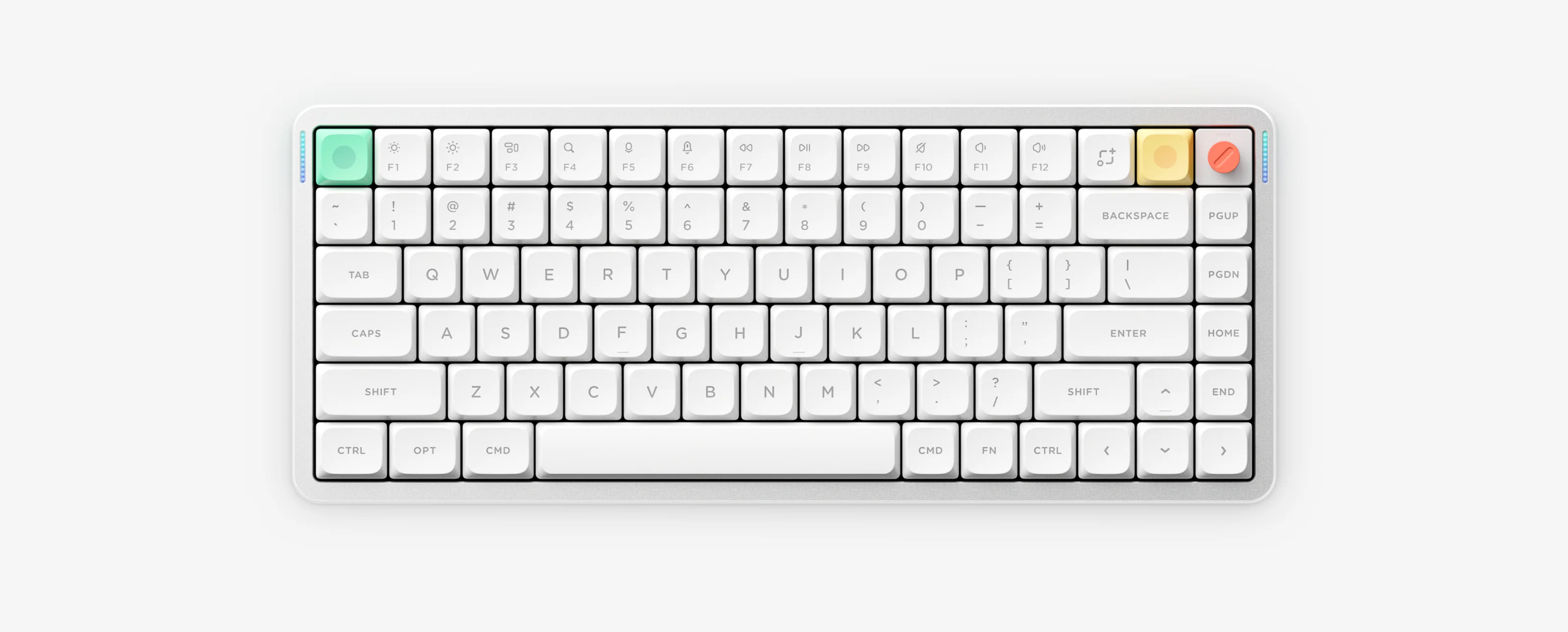
Toggle 6-minute auto-sleep with FN + ] on ANSI models (3x green flashes = ON, 3x red = OFF; Air100 V3 JIS uses FN + [). To factory reset ANSI boards, hold FN + [ for 3 seconds (without pressing Shift). On ISO and JIS Air V3 or Node75 models, reset keys shift by physical layout (e.g., Air100 V3 JIS = FN + @ for 3 seconds).
1. Troubleshoot 6-minute auto-sleep mode
- Default sleep behavior turns RGB lights off and enters low-power sleep after 6 minutes of no key input.
- Press FN + ] (ANSI) or FN + [ (Air100 V3 JIS) to toggle sleep mode: 3 green flashes = Sleep ON, 3 red flashes = Sleep OFF.
- If your keyboard wakes slowly on macOS/Windows or drops lighting during long meetings, toggle sleep OFF temporarily while checking battery charge.
2. Factory reset keys by model & physical layout
| Model / Physical Layout | Factory Reset Shortcut (Hold 3s) | Notes |
|---|---|---|
| ANSI: Air60 V2, Air75 V2, Air96 V2, Air75 V3, Air100 V3, Air75 HE, Kick75, Halo75 V2, Halo96 V2 | FN + [ (without Shift) | On Halo75 V2 / Halo96 V2, ensure Shift is NOT held |
| Air100 V3 JIS | FN + @ | Sleep = FN + [ ; Battery = FN + ] |
| Air V3 ISO-UK / ISO-DE / ISO-FR / ISO-SE | UK: FN + {[ | DE: FN + Ü | FR: FN + ¨/^ | SE: FN + Å | Confirm exact diagram in NuPhyIO manual center |
| Node75 (LP/HP), Node100 (LP/HP), Air60 HE | Per exact LP/HP & layout manual | Check official NuPhyIO manual center or Air60 HE PNG |
3. When NOT to factory reset or flash firmware
Reset & Sleep Troubleshooting Questions
Does a NuPhy factory reset downgrade or update firmware?
No. Holding the factory reset combo clears saved keymaps, lighting profiles and wireless pairings, but keeps the currently installed firmware version intact.
Why does FN plus left bracket not reset my JIS or ISO Air V3 keyboard?
Reset key positions follow physical ISO and JIS keycaps rather than ANSI. For example, Air100 V3 JIS uses FN plus at-sign, ISO-DE uses FN plus U-umlaut and ISO-SE uses FN plus A-ring.
Why did my lights flash green or red three times when pressing FN plus right bracket?
Three green flashes confirm 6-minute auto-sleep is enabled, while three red flashes confirm auto-sleep is disabled.
What should I avoid when troubleshooting a dead or stuck keyboard?
Never trigger a reset or flash firmware if the battery is swelling or overheating, or if the keyboard is stuck in Recovery mode where flashing the wrong edition file can worsen the failure.