NuPhyIO & VIA Setup
Find out if your keyboard uses NuPhyIO 2.0 or QMK/VIA, fix WebHID browser and USB-C errors, and protect dual-edition boards.
NuPhy Node100 guide for Low-Profile (LP) and High-Profile (HP) across ANSI, ISO and JIS: FN + 1/2/3/4 wireless channels, Dot Matrix indicators and NuPhyIO manual selection.
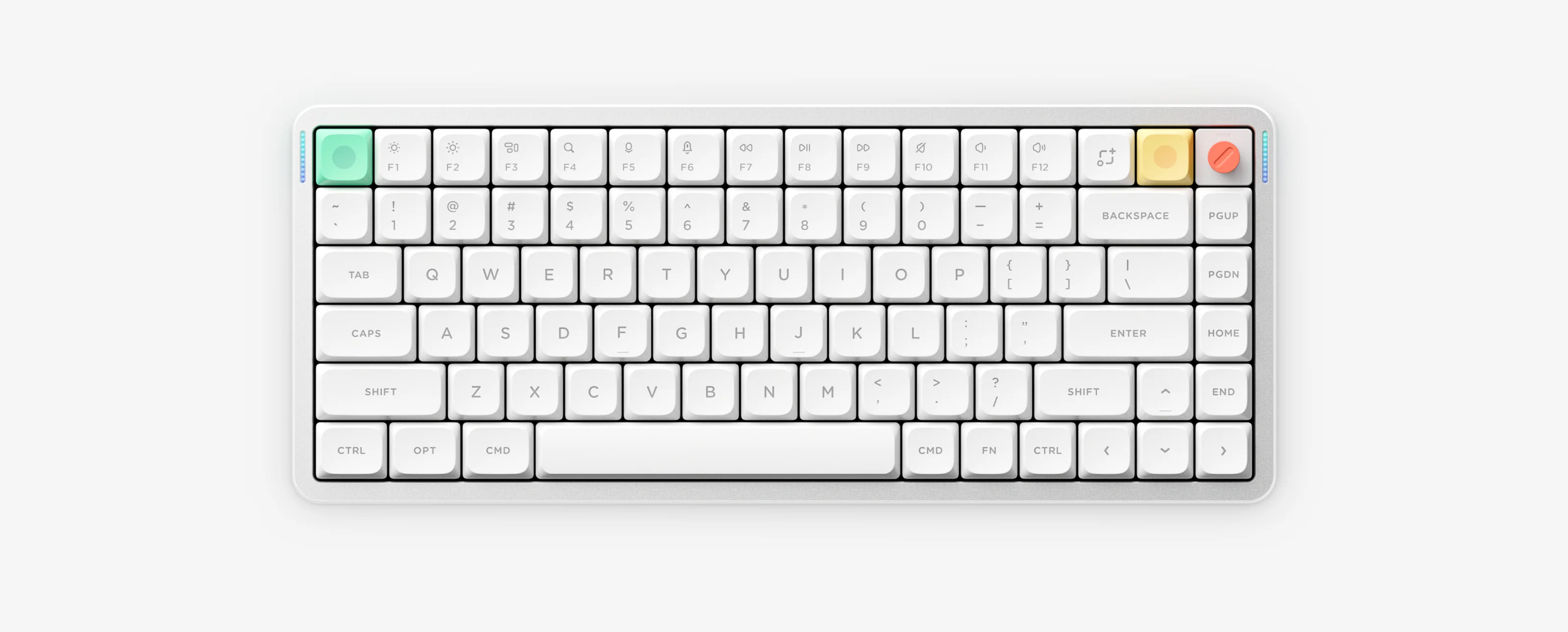
Node100 is NuPhy’s 100% keyboard family offered in both Low-Profile (LP) and High-Profile (HP) versions across ANSI, ISO and JIS layouts, configured with NuPhyIO and featuring a Dot Matrix status display.
First confirm whether you own Node100 Low-Profile (LP) or Node100 High-Profile (HP), then select your exact ANSI, ISO or JIS layout inside the official NuPhyIO manual center.
All Node100 LP and HP keyboards use NuPhyIO in Chrome or Microsoft Edge over a wired USB-C connection. They do not use VIA.
Switch to Wireless mode, hold FN plus 1, 2 or 3 to pair Bluetooth channels, or press FN plus 4 for the 2.4G receiver and follow the Dot Matrix status feedback in your LP or HP manual.